
Download Gym Guide – free Windows workout planner, body‑building tracker and training schedule tool
Overview
Gym Guide is a free home‑and‑hobby program created by Bodybuilding.com especially for Windows users who want a reliable, easy‑to‑navigate workout manager. Launched in 2012, the application has amassed more than 4,800 downloads worldwide, with strong adoption in fitness‑enthusiastic markets such as the United States, India and Burkina Faso. Even though the last official update was released on 19 November 2012, the software remains fully functional on Windows 10, Windows 8 and earlier versions, offering a lightweight, offline solution for anyone looking to plan, log and analyse their training sessions without a subscription fee.
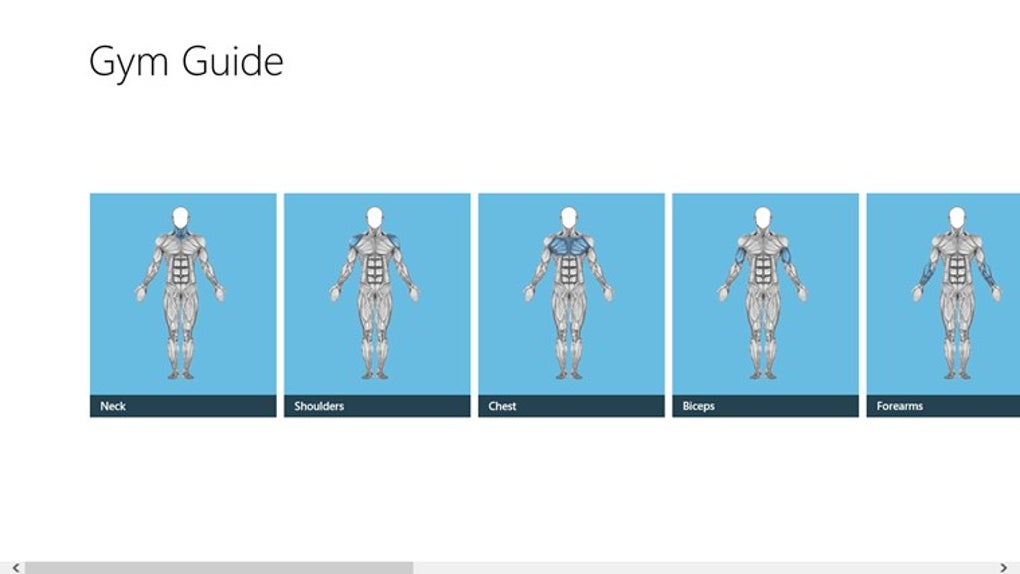
The app belongs to the “Home & Hobby” category under the “Sports” sub‑category, which signals its focus on personal fitness rather than professional gym management. Its user interface is deliberately simple: a clean sidebar for navigation, a calendar view for scheduling, and a set of tables for tracking sets, reps, weights and rest periods. Because it is a Windows‑only tool, it integrates seamlessly with the OS, allowing you to pin the program to the taskbar, receive native notifications for workout reminders, and export data to CSV for deeper analysis in Excel.
For users who prefer a secure, ad‑free experience, Gym Guide delivers exactly that. The installer is digitally signed, there are no hidden fees, and because the software runs locally, your personal workout data never leaves your computer. This makes it an attractive alternative to cloud‑based fitness apps that often require a paid premium tier to unlock full functionality.
Key Features & How to Get Started
Feature List
- Customizable workout templates – build routines for strength, hypertrophy, cardio or mixed programs.
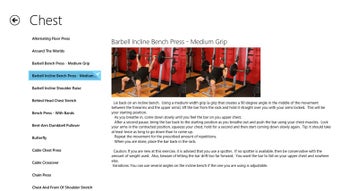
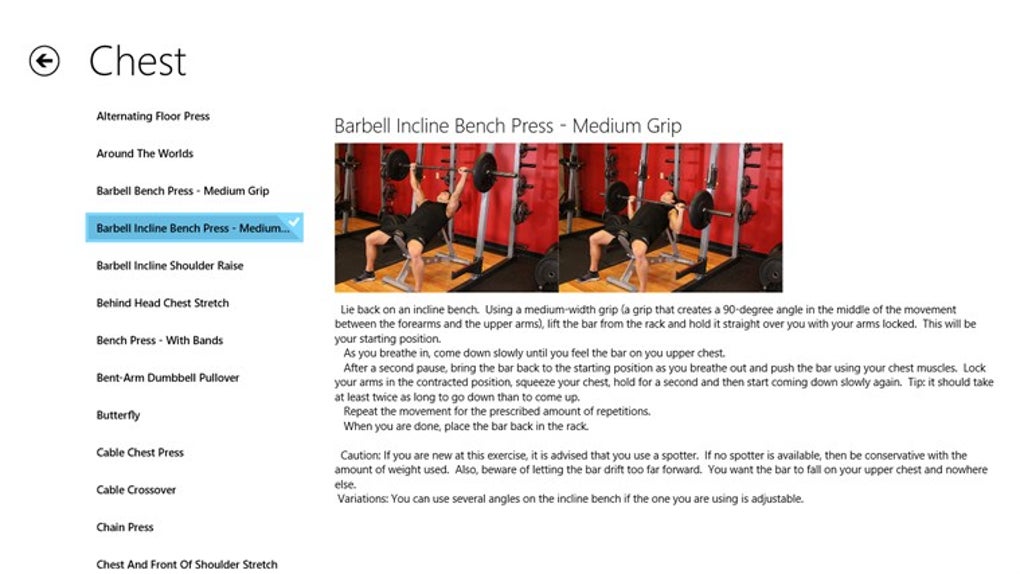
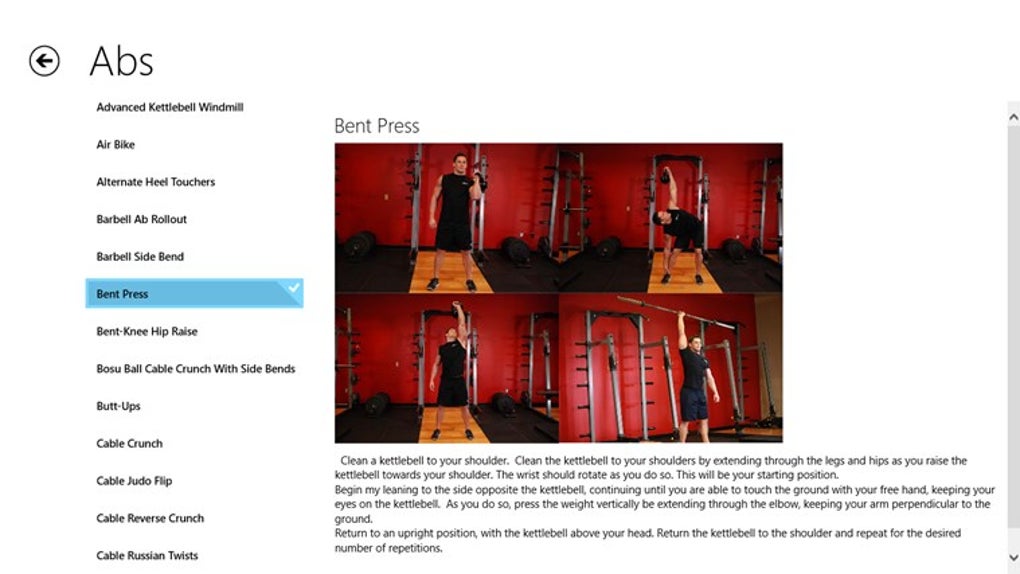
- Exercise library – over 150 pre‑loaded movements with illustrated instructions.
- Progress tracker – record sets, reps, weight, and view historical graphs.
- Calendar integration – schedule workouts by day and receive Windows notifications.
- Export & import – CSV support for backup or migration to other tools.
- Offline‑first design – all data stored locally, no internet required.
- Lightweight installer – under 30 MB, quick download and install.
Installation & Usage Instructions
Downloading Gym Guide is straightforward. Visit the official Bodybuilding.com download page, click the “Download for Windows” button, and save the GymGuideSetup.exe file to your computer. Because the installer is digitally signed, Windows Defender will recognize it as safe, and you can proceed with a single click after confirming the prompt.
During installation, the wizard asks you to choose a destination folder – the default location (C:\Program Files\Gym Guide) works well for most users. After the files copy, a shortcut appears on your desktop and in the Start menu. Launch the application and you will be greeted by a brief onboarding wizard that helps you define your fitness goals (e.g., strength, weight loss, endurance). This wizard also populates the exercise library with the most relevant movements based on your selection.
Once inside the main window, use the left‑hand navigation pane to switch between “My Programs,” “Calendar,” “Statistics” and “Settings.” To create a new program, click “Add New” and select exercises from the library, assigning sets, reps and target weights. The program can then be dragged onto the calendar, where you can adjust the day‑to‑day order. After each workout, simply open the program entry, input the actual numbers you lifted, and hit “Save.” The app automatically updates the progress graphs, letting you visualize strength gains over weeks and months.
Because Gym Guide is a free tool, there are no hidden in‑app purchases or subscription prompts. All features are unlocked from day one, making it an ideal starter app for beginners and a solid backup for seasoned lifters who prefer a local, secure environment.
Compatibility, Pros & Cons
Operating System Support
Gym Guide runs on Windows 10, Windows 8, Windows 7 and earlier 32‑ or 64‑bit editions. The installer automatically detects the appropriate architecture and installs the matching binaries. While the program is not available for macOS, Android or iOS, its Windows‑only design ensures native performance, fast load times and deep integration with the OS’s notification center.
Pros
- Completely free with no premium tier or ads.
- Runs locally, guaranteeing data privacy and offline access.
- Simple, intuitive UI that suits both beginners and experienced lifters.
- Robust exercise library and customizable templates.
- Lightweight installer and minimal system resource consumption.
- Exportable CSV files enable advanced analysis in spreadsheet software.
Cons
- No native macOS, Android or iOS version – limited to Windows platforms.
- Last software update was in 2012, so UI looks dated compared with modern apps.
- Lacks cloud sync, meaning data is tied to a single device.
- No built‑in video tutorials; users must rely on external resources for exercise form guidance.
- Limited community support, as the original developer no longer actively maintains the project.
Overall Rating: 4 out of 5 stars – Gym Guide delivers a solid, free workout‑planning experience for Windows users, despite its age and lack of cross‑platform support.
Frequently Asked Questions
Is Gym Guide really free or are there hidden costs?
Gym Guide is 100 % free. There are no in‑app purchases, subscription fees, or ads. The installer provides full access to every feature immediately after download.
Can I import my existing workout data from other apps?
Gym Guide supports CSV import, so you can export data from most popular fitness apps (e.g., Strong, JEFIT) and then import the CSV file via the Settings → Import menu.
Will the program work on Windows 11?
Yes. Although Gym Guide was originally built for Windows 8/10, it runs without issues on Windows 11 because it relies on standard Win32 APIs that remain backward compatible.
Is my workout data stored securely?
All data is saved locally on your hard drive in a plain‑text SQLite database. Because nothing is uploaded to the cloud, your personal training logs remain private unless you choose to share them.
How can I receive updates or bug fixes?
The official development stopped in 2012, so no new updates are expected. However, the community occasionally shares unofficial patches on fitness forums. Always download patches from trusted sources.
Conclusion & Call to Action
Gym Guide stands out as a rare example of a completely free, offline‑first workout planner that still offers a respectable set of features for Windows users. While the UI feels a bit nostalgic and the lack of cross‑platform support may limit its appeal for multi‑device athletes, the core functionality—custom program creation, calendar scheduling, progress tracking and CSV export—remains solid and reliable. If you are looking for a no‑frills, privacy‑focused solution to log your lifts and stay organized without paying a subscription, Gym Guide is a sensible choice.
Ready to boost your training consistency? Download Gym Guide now and start building your personalized workout schedule today. Remember, the app is free, secure and runs on virtually any Windows PC you already own, making it the perfect entry point for anyone serious about taking control of their fitness journey.







